
built for
builders.
fluent in
fractions.
more than a
calculator.
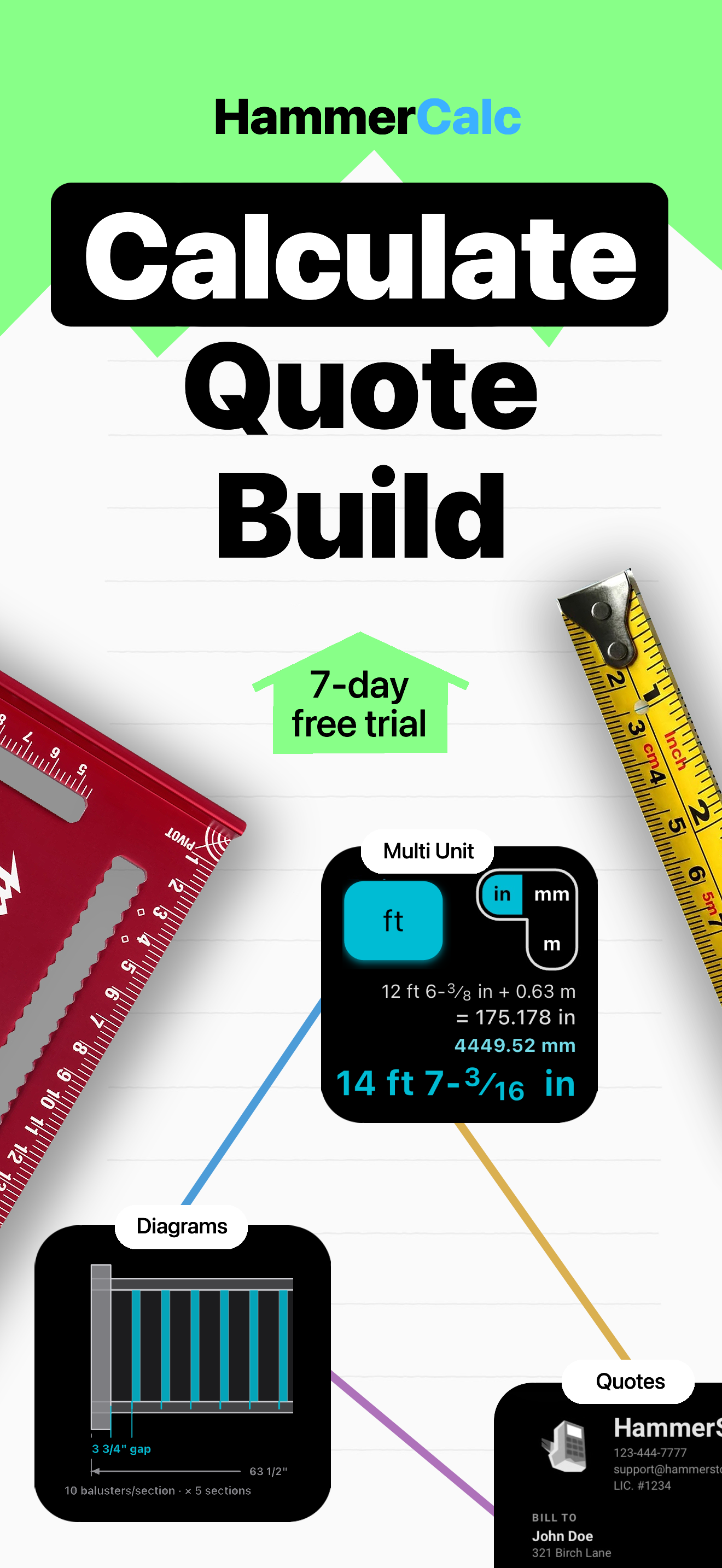
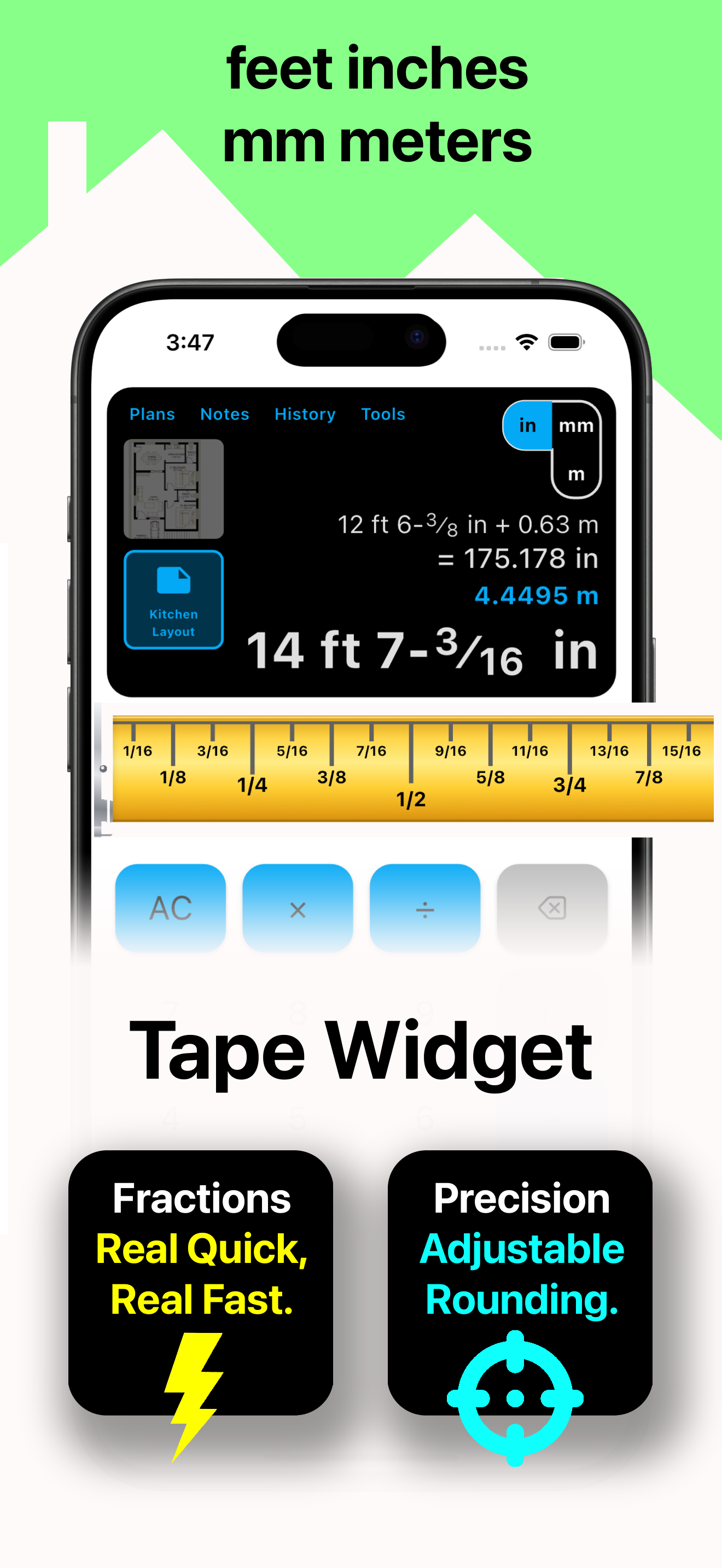
Feet, inches, mm & meters
Combine any units in a single equation and convert the answer with one tap — no second calculator, no manual math.
Tape Measure input
Punch in fractions straight off a ruler and round to 1/16, 1/32 or 1/64 — job-site precise, every time.
Tools, plans & notes
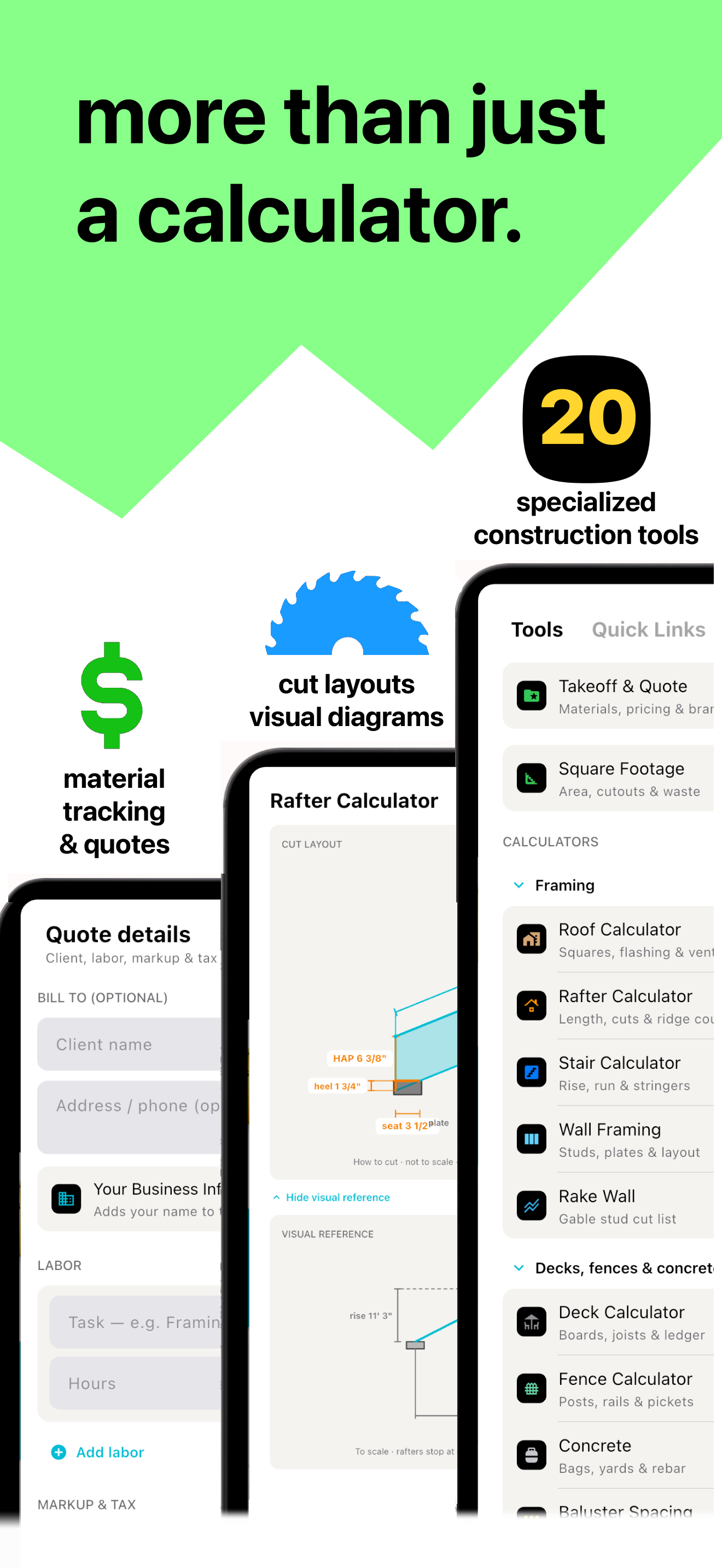
20 trade tools, materials takeoff with a price book, branded PDF quotes, a built-in plan viewer, and project notes — all in one app.
Made by builders, for builders.
Full Suite of Tools
20 trade tools plus materials takeoff & PDF quotes — open a tool page or download the app.
Stairs calculator
Rise, run & stringers
Learn more →Square foot calculator
Area & layouts
Learn more →Feet & inches
Fractions & tape measure
Learn more →Metric & imperial
One equation, any unit
Learn more →Rafter calculator
Pitch, commons & hips
Learn more →Drywall calculator
Sheets, mud & tape
Learn more →Deck & outdoor
Deck, fence & concrete
Learn more →Takeoff & quotes
Materials, prices & PDF
Learn more →Why builders are switching to HammerCalc
Same job-site math — faster taps, smarter tools, and half the yearly cost.
| Feature | HammerCalc Built for Apple | Construction Master Pro Legacy standard |
|---|---|---|
| UI built for speed | Best in class — clean, modern keypad; fewer taps on every calc | Dense hardware-style keys; takes longer to learn |
| Quick fraction entry | Tape Measure widget — tap fractions off a ruler, round to 1/16"–1/64" | Fast Fractions mode; still keypad-driven |
| Mixed units in one equation | Native — feet, inches, mm & meters together, one-tap convert | Yes — dimensional math + convert |
| iPhone, iPad & Mac | One subscription — same app, every device you carry | iOS-focused; separate purchase paths |
| Notes with calculation history | Unlimited — full history, timestamps, save from any calc | Text/voice notes in folders; less calc-linked |
| Built-in plan viewer | Included — PDFs & photos on site, remembers page & zoom | Not included |
| Visual pro tools | Live diagrams — interactive sliders for stairs, rafters, roofs & more | 100+ form-based EZ Calcs; diagrams mainly in help docs |
| Free trial | 7 days — full app, no commitment | Varies by listing |
| Privacy | Zero data collected — calcs stay on your device | Collects contact info, usage & diagnostics |
| Price (yearly) | $24.99/yr Save ~$15/yr | $39.99/yr |
Try HammerCalc free Full Construction Master Pro alternatives guide →
Good questions,
quick answers.
Everything you need to know before your first job-site calc.
What platforms does HammerCalc run on?
HammerCalc works on iPhone (iOS 16+), iPad (iPadOS 16+), and Mac (macOS 12+). One subscription covers all your Apple devices.
Is there a free trial?
Yes — every plan starts with a 7-day free trial that unlocks the entire app. No commitment, and you can cancel anytime before it renews.
Can I really mix units in one calculation?
Absolutely. Enter feet, inches, millimeters, and meters together in a single equation and HammerCalc returns an accurate result you can convert to any unit with one tap.
What tools are included?
HammerCalc includes a feet–inch–fraction calculator plus 20 specialized tools with live diagrams. Framing: rafter, roof, stairs, wall framing, and rake wall. Outdoor: deck, fence, concrete, and baluster spacing. Finishes: drywall, paint, tile, flooring, and siding. Layout & lumber: square footage with cutouts, lumber/board feet, cut list optimizer, compound miter/crown, triangle/polygon, and circle/arc. Materials from any tool can go into takeoff with a price book, labor, markup, tax, and branded PDF quotes — plus a plan viewer and project notes.
Can I make a materials takeoff or PDF quote?
Yes. Add materials from any tool into a multi-project takeoff, set unit prices in a remembered price book, add labor, markup and tax, then share a branded PDF quote or materials list.
Does it track materials cost?
Yes. Each takeoff line can carry a unit price. HammerCalc remembers prices in a price book and keeps a running materials total, then rolls labor, markup and tax into your quote PDF.
Do you collect my data?
No. The developer collects no data from the app — your calculations, notes, and plans stay on your device.
How do I cancel?
Manage or cancel your subscription anytime in Settings > your Apple ID > Subscriptions. Questions? Email [email protected].
Stop converting. Start building.
Join the carpenters, contractors, and estimators who reach for HammerCalc on every job.
Download on the App Store